

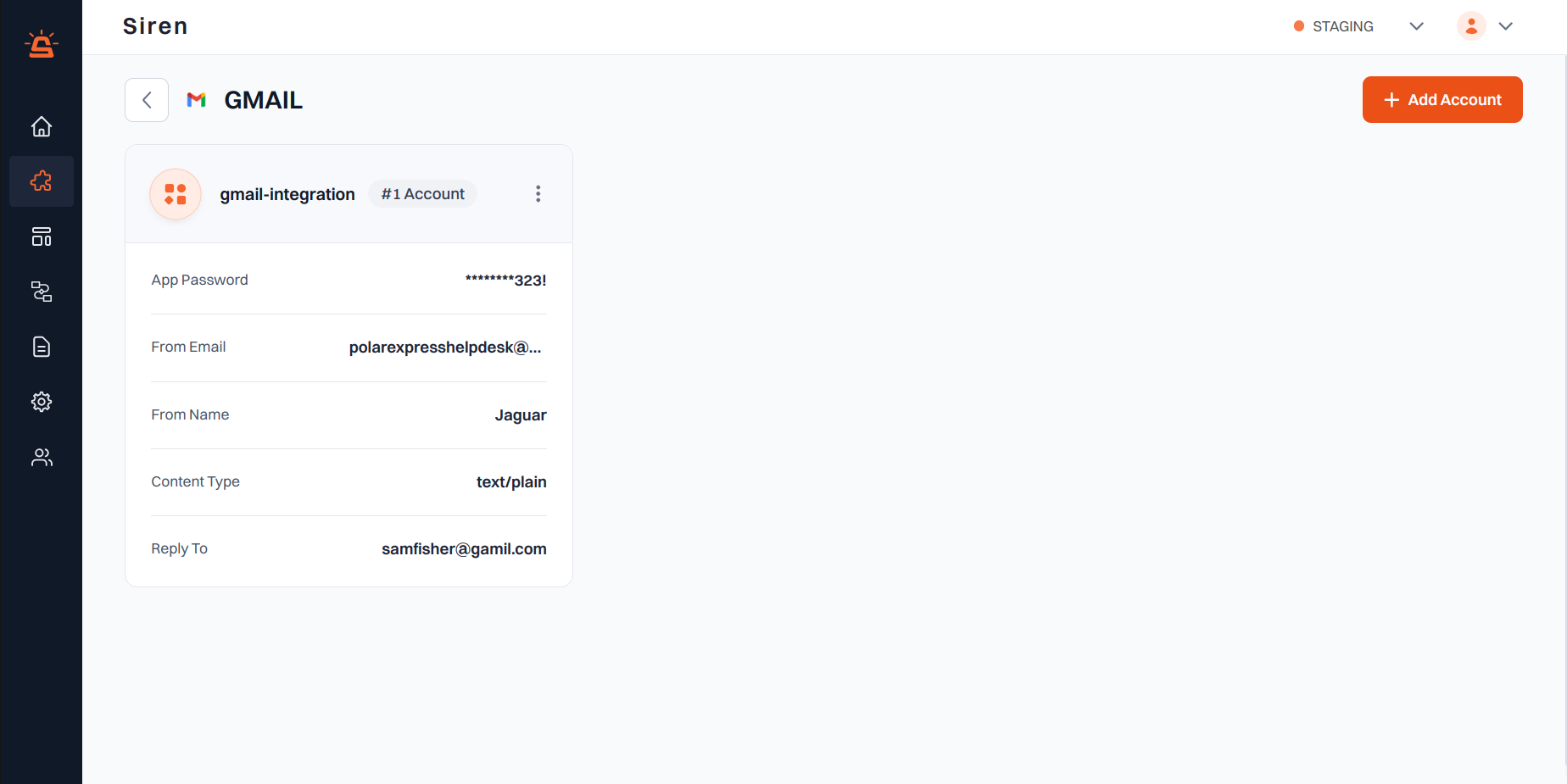
Integration Setup
To integrate your Gmail account with Siren using Google’s OAuth authentication, follow these steps:1
Access Providers
Navigate to the Providers section in your Siren dashboard.
2
Select Email Channel
Choose the Email channel from the list of available options.
3
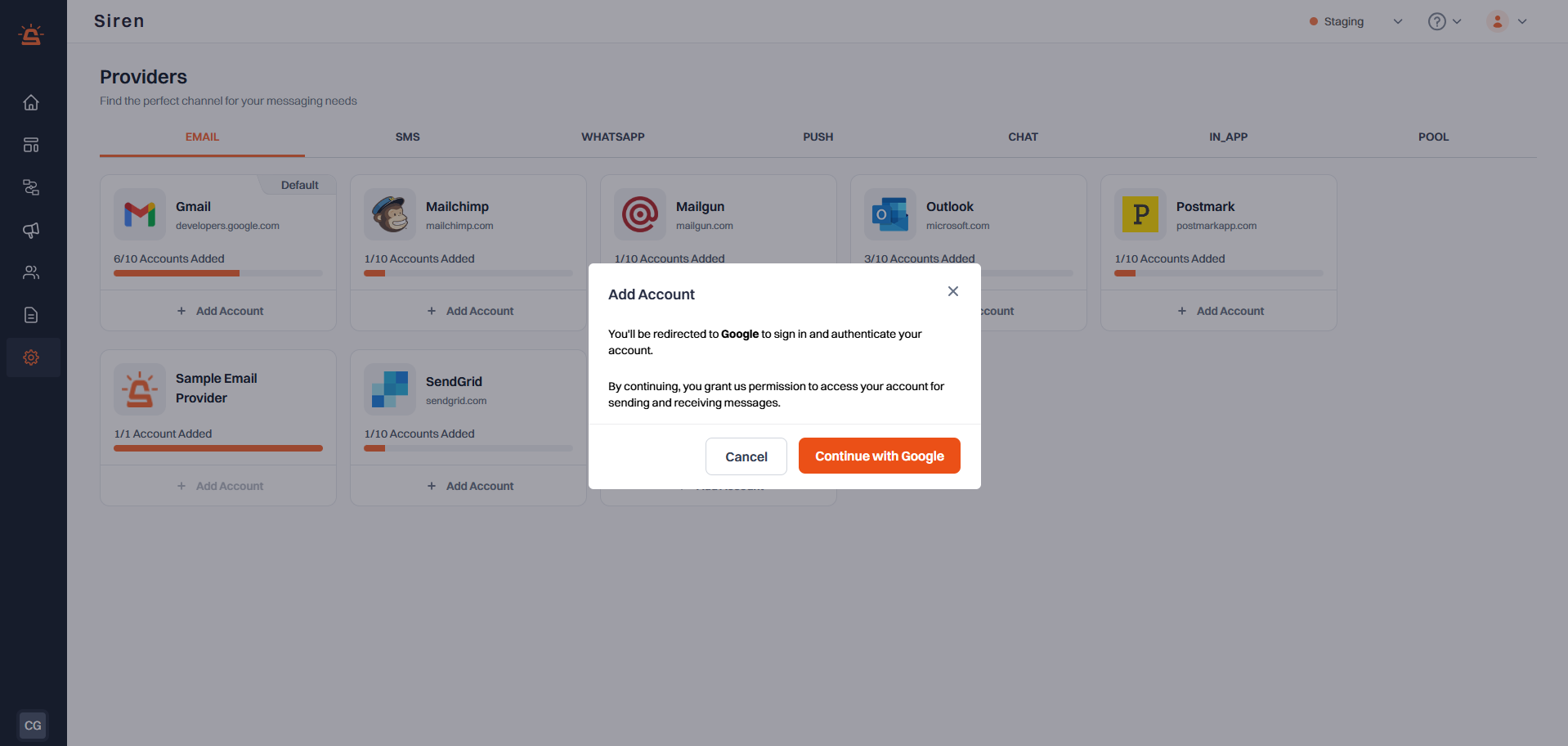
Add Gmail Account
Locate Gmail in the list of providers and click on Add Account.
4
Authenticate with Google
In the modal that appears, click on the Continue with Google button.
ECHO is off.
you will be redirected to Google’s sign-in page.
5
Sign in to Google
- Click on the Gmail account you want to connect to Siren
- Review the permissions that Siren is requesting
- Click Allow to grant Siren access to your Gmail account Gmail modal
6
Complete Setup
After successful authentication, you will be automatically redirected back to Siren.
ECHO is off.
Your Gmail account will be connected and ready to use with Siren’s email features.
- The integration uses OAuth for secure authentication, so you do not need to create or manage app passwords.
- By default, Gmail does not provide message delivery status, and this feature is not configurable.
- You can revoke Siren’s access at any time through your Google Account settings under “Security” > “Third-party apps with account access”.