

Ensure you have an active Kaleyra.io account set up, along with your Sender ID and Templates configured. Kaleyra.io
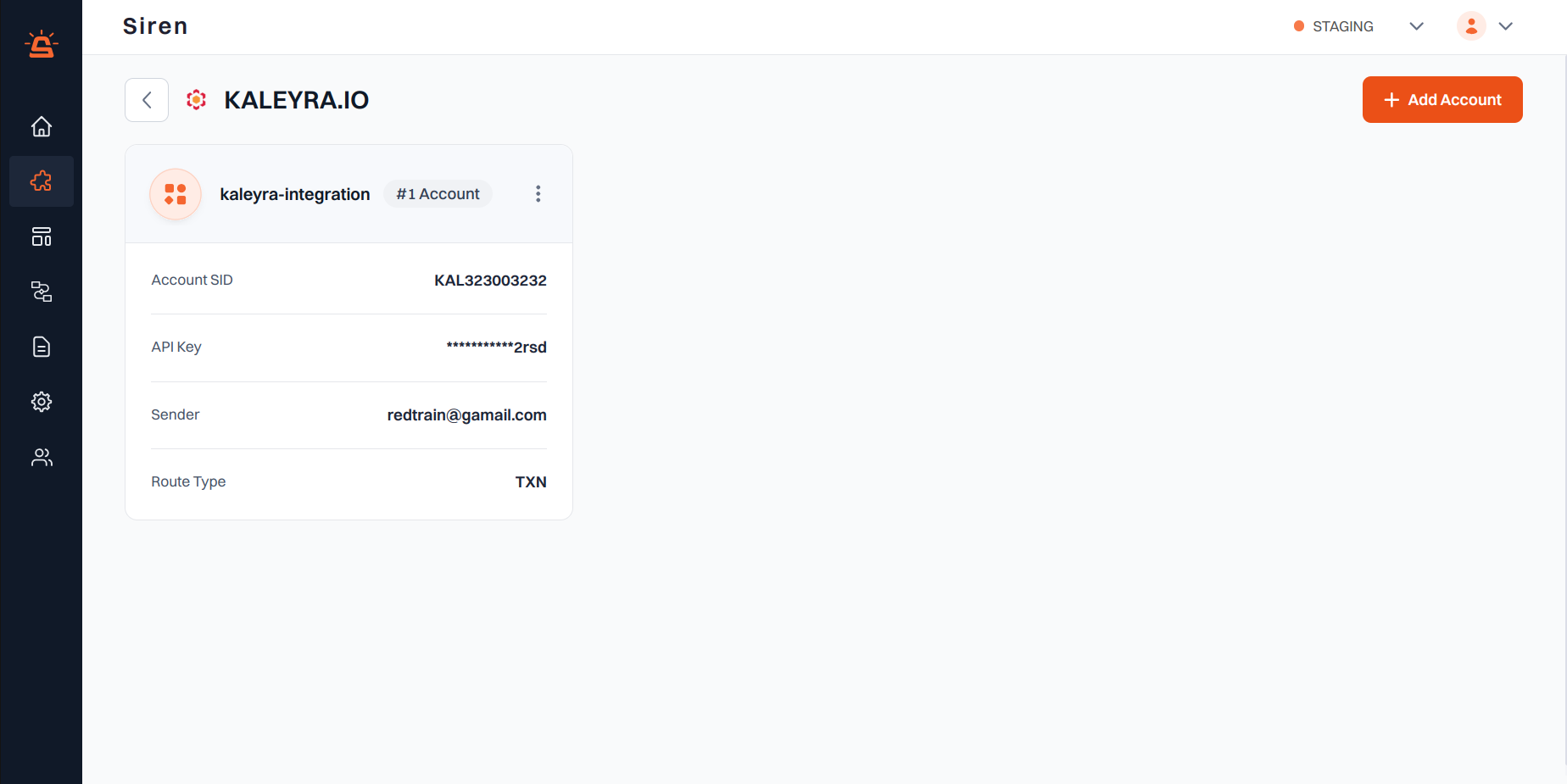
Integration Setup
To integrate your Kaleyra.io account with Siren, follow these steps:1
Navigate to Providers
Go to the Providers section in your Siren dashboard.
2
Select SMS Channel
Choose the SMS channel from the available options.
3
Choose Kaleyra.io
Locate Kaleyra.io in the list of providers and click on Add Account.
4
Get Kaleyra Credentials
Before filling in the account details, you will need to gather your Kaleyra credentials:
ECHO is off.
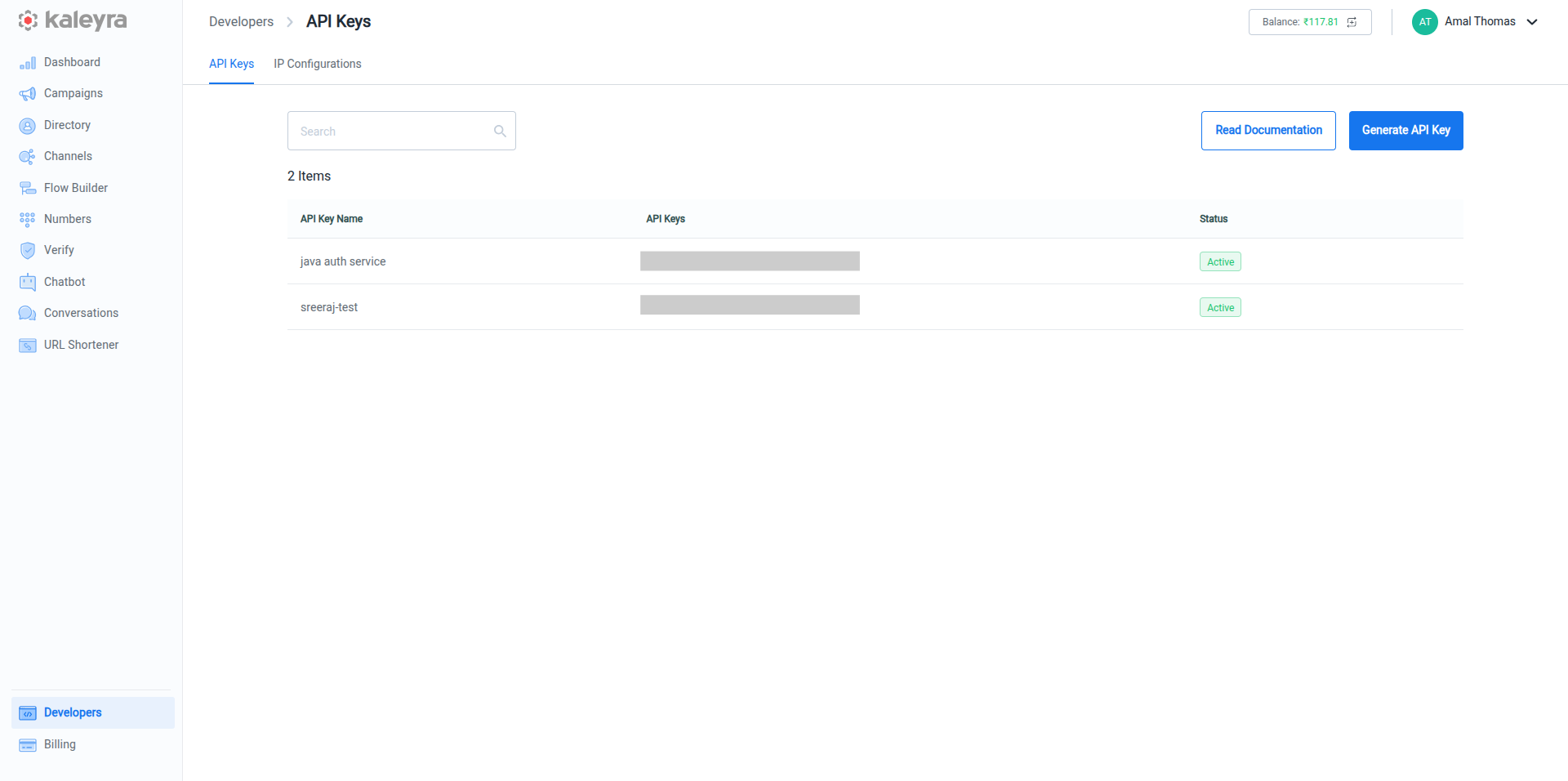
- API Key:
- Log in to your Kaleyra account
- In the left navigation bar, click on Developer
- Click on Generate API Key
- Copy the generated API Key Kaleyra API Key ECHO is off.
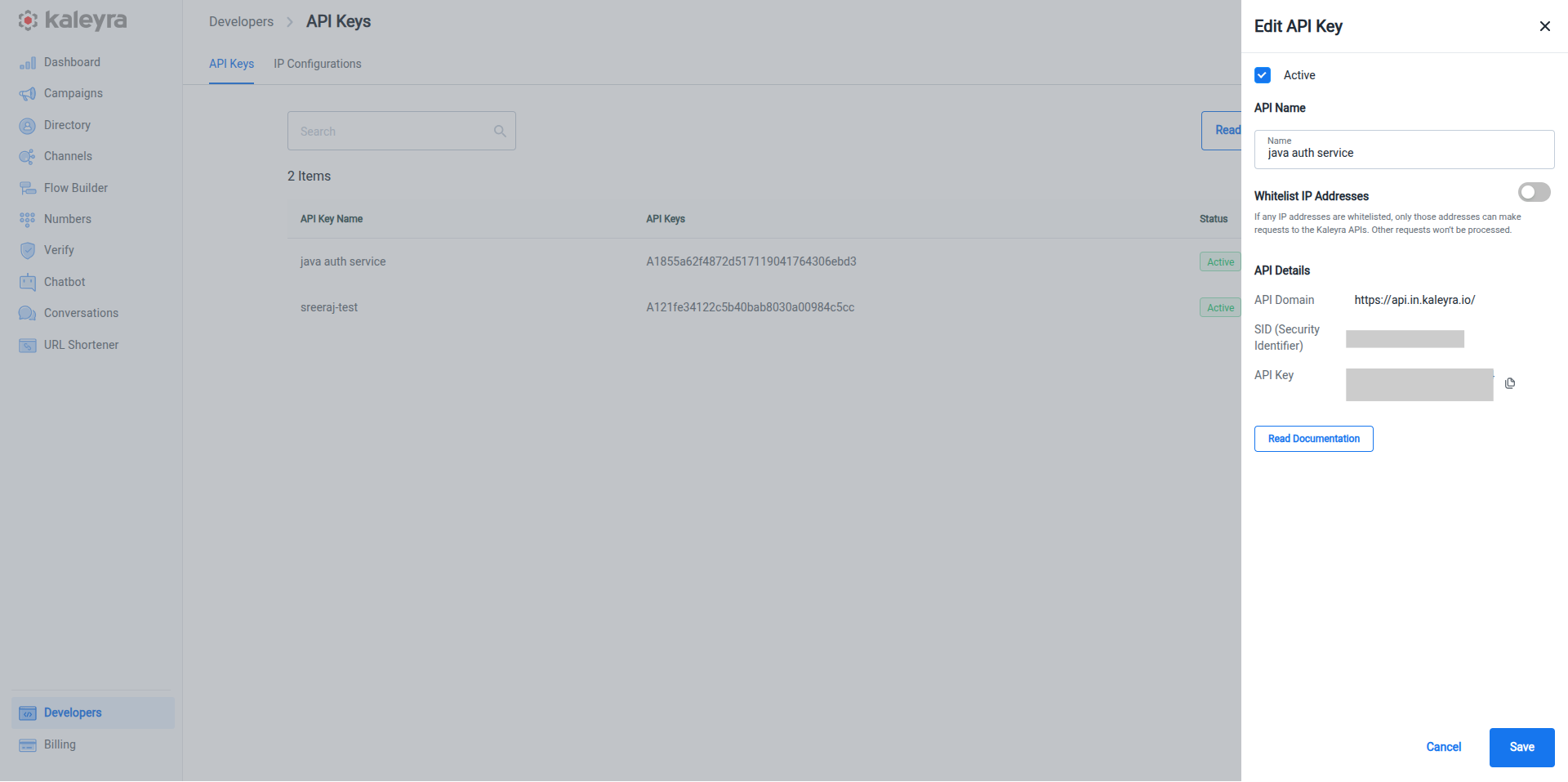
- Account SID:
- In the left navigation, click on Developers
- Click on the three dots (⋮) next to your application
- Select Edit
- In the API Edit window, locate and copy the SID Kaleyra SID
5
Fill in Account Details
In the pop-up window, enter the following details:
ECHO is off.
- Custom Name: Provide a name for easy identification within Siren’s interface
- SID (Security Identifier): Paste the SID you copied from the API Edit window
- API Key: Paste the API Key you generated
- Sender: Go to Channels tab in Kaleyra account and select Manage. Copy the Sender ID from there.
- Type of Route: Select the appropriate route type based on your Kaleyra.io application configuration
- Webhook Path: Copy this webhook path and set it in the Kaleyra.io webhook URL
6
Save Configuration
Click on Save to save your Kaleyra.io account configuration.