> ## Documentation Index
> Fetch the complete documentation index at: https://docs.trysiren.io/llms.txt
> Use this file to discover all available pages before exploring further.
# LINE Template
The LINE template editor in Siren allows you to create and manage rich messages for the LINE messaging platform. You can create multi-message templates with different content types including text, images, and videos.
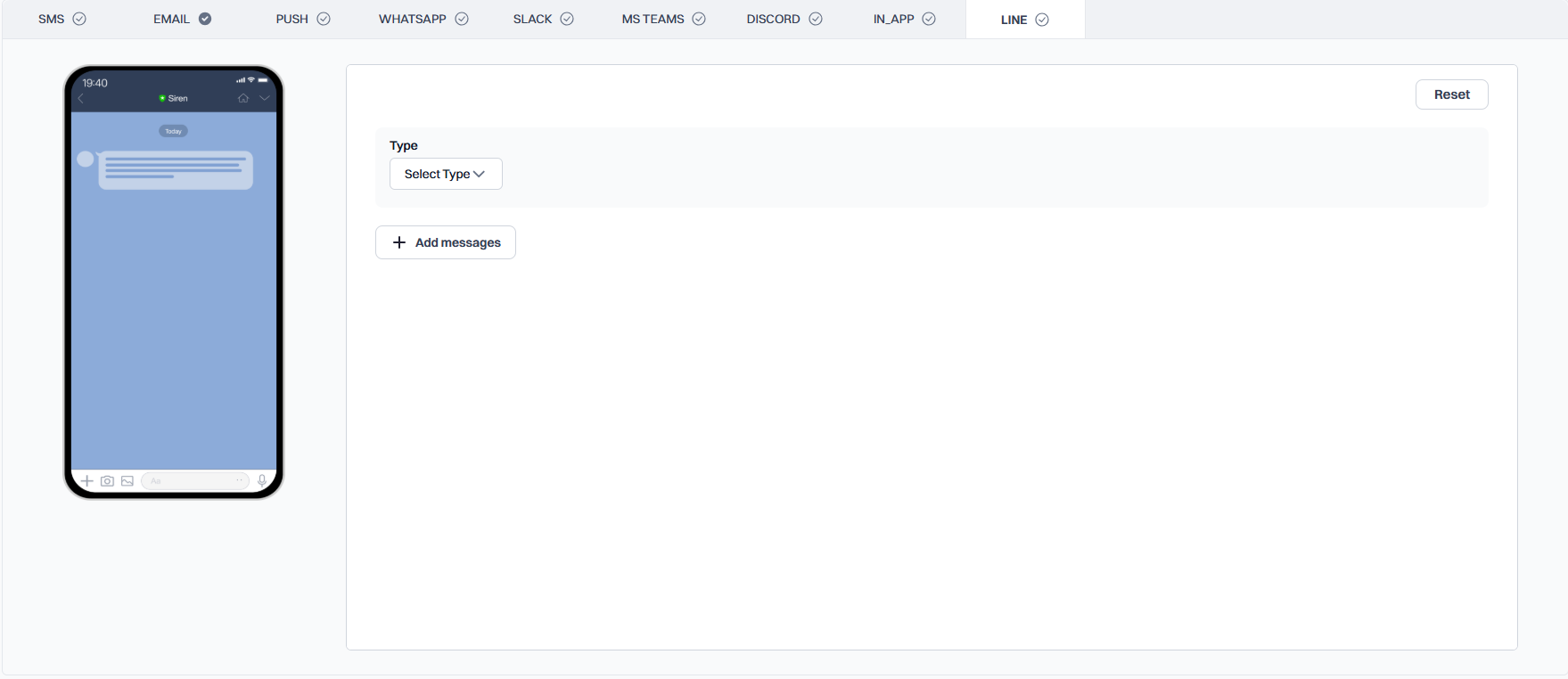 ## Adding Messages
Click the **'Add messages'** button to create a new message in your template. Each message can be configured independently.
Choose the message type from the **'Type'** dropdown:
* **Text**: For text-based messages
* **Image**: For sending images
* **Video**: For sending videos
## Message Type Configuration
When 'Text' is selected as the message type, you will see these fields:
* **Message**: Enter your text content
* **Insert Variable**: Add dynamic content to your message
* **Quote Token**: (Optional) Add a quote token for message threading
When 'Image' is selected as the message type, you will see these fields:
* **Content URL**: The URL where the image is hosted
* **Preview URL**: A thumbnail URL for the image preview
When 'Video' is selected as the message type, you will see these fields:
* **Content URL**: The URL where the video is hosted
* **Preview URL**: A thumbnail URL for the video preview
## Variable Format
Use the following format for variables in your message content:
```
${workflow.input.data.variable_name}
```
## Best Practices
* Keep text messages concise and clear
* Ensure image and video URLs are publicly accessible
* Use appropriate aspect ratios for media content
* Test your template with different message combinations
## Adding Messages
Click the **'Add messages'** button to create a new message in your template. Each message can be configured independently.
Choose the message type from the **'Type'** dropdown:
* **Text**: For text-based messages
* **Image**: For sending images
* **Video**: For sending videos
## Message Type Configuration
When 'Text' is selected as the message type, you will see these fields:
* **Message**: Enter your text content
* **Insert Variable**: Add dynamic content to your message
* **Quote Token**: (Optional) Add a quote token for message threading
When 'Image' is selected as the message type, you will see these fields:
* **Content URL**: The URL where the image is hosted
* **Preview URL**: A thumbnail URL for the image preview
When 'Video' is selected as the message type, you will see these fields:
* **Content URL**: The URL where the video is hosted
* **Preview URL**: A thumbnail URL for the video preview
## Variable Format
Use the following format for variables in your message content:
```
${workflow.input.data.variable_name}
```
## Best Practices
* Keep text messages concise and clear
* Ensure image and video URLs are publicly accessible
* Use appropriate aspect ratios for media content
* Test your template with different message combinations