> ## Documentation Index
> Fetch the complete documentation index at: https://docs.trysiren.io/llms.txt
> Use this file to discover all available pages before exploring further.
# Gmail
***Prerequisite:***
Ensure you have a Google account that you want to connect to Siren.
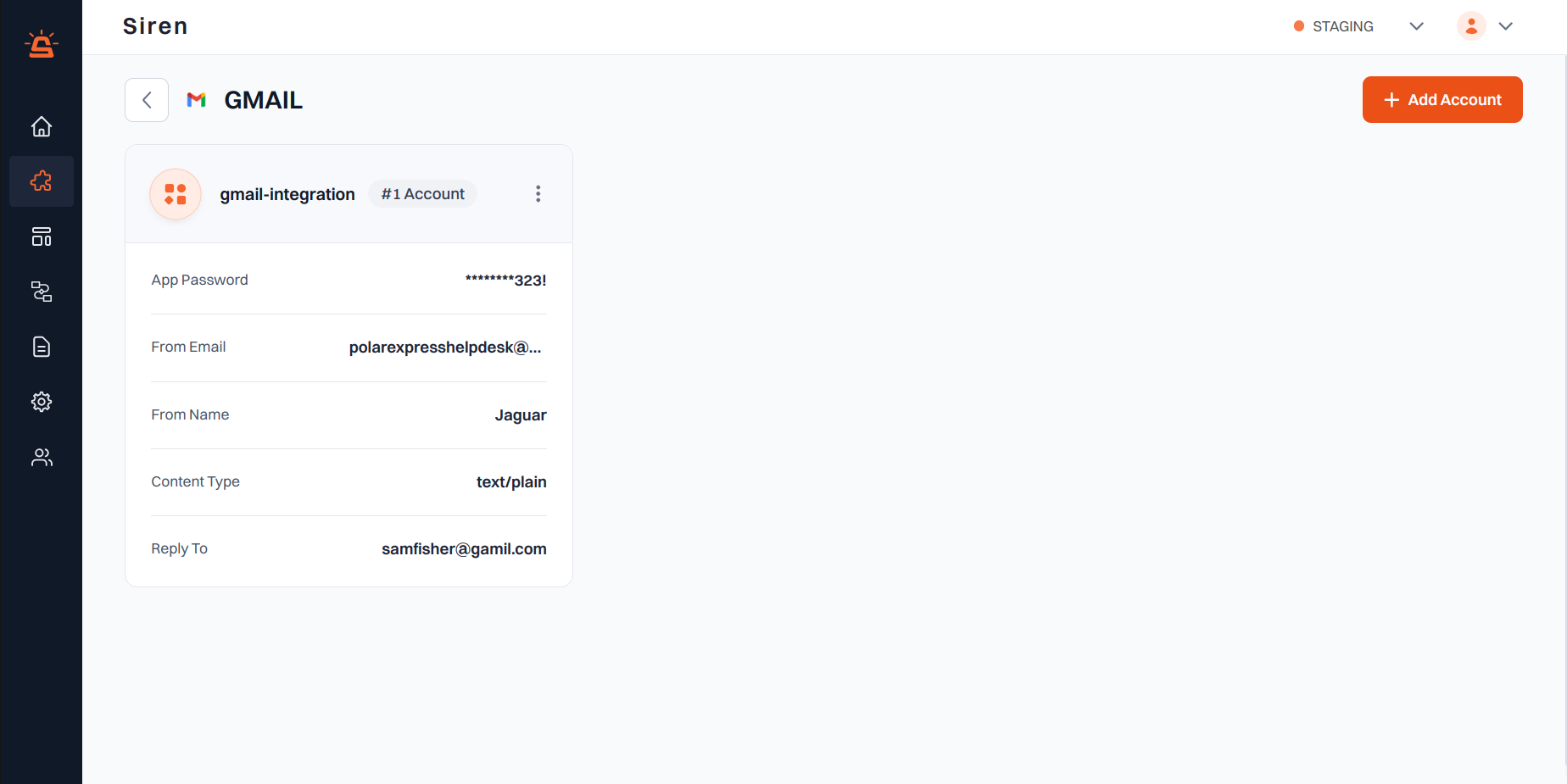 ## Integration Setup
To integrate your Gmail account with Siren using Google's OAuth authentication, follow these steps:
Navigate to the **Providers** section in your Siren dashboard.
Choose the **Email** channel from the list of available options.
Locate Gmail in the list of providers and click on **Add Account**.
In the modal that appears, click on the **Continue with Google** button.
ECHO is off.
you will be redirected to Google's sign-in page.
* Click on the Gmail account you want to connect to Siren
* Review the permissions that Siren is requesting
* Click **Allow** to grant Siren access to your Gmail account
[Gmail modal](/docs/Images/Providers/Integrations/Email/GmailIntegration.PNG)
After successful authentication, you will be automatically redirected back to Siren.
ECHO is off.
Your Gmail account will be connected and ready to use with Siren's email features.
* The integration uses OAuth for secure authentication, so you do not need to create or manage app passwords.
* By default, Gmail does not provide message delivery status, and this feature is not configurable.
* You can revoke Siren's access at any time through your Google Account settings under "Security" > "Third-party apps with account access".
## Integration Setup
To integrate your Gmail account with Siren using Google's OAuth authentication, follow these steps:
Navigate to the **Providers** section in your Siren dashboard.
Choose the **Email** channel from the list of available options.
Locate Gmail in the list of providers and click on **Add Account**.
In the modal that appears, click on the **Continue with Google** button.
ECHO is off.
you will be redirected to Google's sign-in page.
* Click on the Gmail account you want to connect to Siren
* Review the permissions that Siren is requesting
* Click **Allow** to grant Siren access to your Gmail account
[Gmail modal](/docs/Images/Providers/Integrations/Email/GmailIntegration.PNG)
After successful authentication, you will be automatically redirected back to Siren.
ECHO is off.
Your Gmail account will be connected and ready to use with Siren's email features.
* The integration uses OAuth for secure authentication, so you do not need to create or manage app passwords.
* By default, Gmail does not provide message delivery status, and this feature is not configurable.
* You can revoke Siren's access at any time through your Google Account settings under "Security" > "Third-party apps with account access".